

Best Mini PC for Emulation in 2026
Picks refresh twice a day.
You do not need a full-size gaming desktop to build an excellent emulation setup. A good Mini PC can sit beneath your TV or on a desk, handle everyday schoolwork or office tasks, stay quiet, and run thousands of games from classic 8-bit systems through the Nintendo GameCube, Wii, PlayStation 2, Wii U, PlayStation 3, and Xbox 360. This guide explains where an inexpensive $150–$200 box is enough and when a faster Ryzen CPU and Radeon iGPU are worth paying for.
Start With The Systems You Want To Emulate
Emulation requirements rise dramatically between console generations:
- NES, SNES, Genesis, PS1, N64, Dreamcast, PSP (RetroArch): Run smoothly on almost any modern Mini PC. An affordable Intel N95, N97, N100, or N150 system ($130–$220) is plenty for these classic consoles, arcade games (MAME/FBNeo), and lightweight desktop or schoolwork use.
- GameCube & Wii (Dolphin) and PlayStation 2 (PCSX2): This is the sweet spot for most buyers. Dolphin and PCSX2 benefit from strong single-core CPU speed and a capable integrated GPU if you want to upscale internal resolution to 1080p, 1440p, or 4K. Cheaper Intel N100/N150 boxes can run many GameCube and PS2 titles at native 1x–2x resolution, while an AMD Ryzen 5 or Ryzen 7 Mini PC gives you effortless 1080p+ upscaling.
- Wii U (Cemu) and Switch: Run well on midrange AMD Ryzen Mini PCs with Radeon 660M, 680M, or 780M graphics and 16GB of dual-channel RAM.
- PlayStation 3 (RPCS3) and Xbox 360 (Xenia): The most demanding mainstream emulators. RPCS3 loves fast Zen 3+ / Zen 4 CPU cores (preferably 6 to 8 cores with AVX-512 on Zen 4 chips like the Ryzen 7 7840HS, 8745HS, or 8845HS), while Xenia leans heavily on GPU performance (Radeon 680M or 780M).
CPU Performance Matters More Than Core Count
Emulators depend on fast per-core CPU performance rather than a large number of slow cores. Do not buy an old many-core enterprise PC just because its total thread count looks impressive.
Budget Intel N97, N100, and N150 chips are great for classic retro systems and native-resolution GameCube or PS2 games. For a dependable upscaled Dolphin (GameCube/Wii) and PCSX2 (PS2) machine, AMD Ryzen processors such as the Ryzen 5 6600H, Ryzen 7 6800H, Ryzen 7 7735HS, Ryzen 7 7840HS, or Ryzen 7 8745HS provide vastly more headroom. If PS3 (RPCS3) and Xbox 360 (Xenia) are priorities, aim for a Zen 3+ or Zen 4 Ryzen 7.
Integrated Graphics Set Your Resolution Limit
The integrated GPU determines how far you can raise internal rendering resolution, enable widescreen patches, add anti-aliasing, and run CRT shaders. AMD’s Radeon 660M, 680M, 760M, and 780M graphics are the gold standard for compact emulation machines:
- Radeon 780M (Ryzen 7 7840HS / 8745HS / 8845HS / 255): Easily handles 3x–4x (1080p–1440p) resolution in Dolphin and PCSX2, plus demanding RPCS3 and Xenia titles and modern PC games.
- Radeon 680M / 660M (Ryzen 7 6800H / 7735HS, Ryzen 5 6600H): The value sweet spot for 1080p GameCube, Wii, PS2, and Wii U emulation under $350–$450.
- Intel UHD / N-Series Graphics (N97 / N100 / N150): Great for 2D retro systems, PS1/Dreamcast, and native-res Dolphin, with the N97 offering the strongest GPU of the budget Intel N-series family.
16GB Of Dual-Channel RAM Is The Sweet Spot
16GB RAM is ideal for an emulation Mini PC, and also leaves plenty of room if you use the same computer for schoolwork, web browsing, or office apps. Because integrated graphics use system RAM as video memory, a dual-channel setup (two SODIMM sticks or soldered LPDDR5) delivers noticeably higher frame rates in GPU-bound emulators than a single stick of RAM. The dual-channel vs. single-channel RAM benchmarks measure how large that gap gets on a Mini PC.
Operating Systems: Batocera, RetroBat, or Windows?
- Batocera Linux: Turns a Mini PC into a dedicated plug-and-play retro console that boots straight into a controller-friendly menu. You can even flash Batocera onto a 1TB external USB SSD and boot from it without touching Windows.
- RetroBat or ES-DE (EmulationStation Desktop Edition): The best choice if you want to keep Windows 11 for schoolwork, Steam games, and desktop apps, then launch a full-screen console interface whenever you pick up a controller.
- Bazzite / SteamOS + EmuDeck: Great if you want one living-room interface for both Steam games and emulators.
What Is Worth Paying Extra For?
- A Radeon 680M or 780M iGPU: the biggest upgrade for 1080p/1440p rendering in Dolphin, PCSX2, Cemu, RPCS3, and Xenia.
- Strong single-core CPU performance: critical for PS3 (RPCS3), GameCube/Wii (Dolphin), and PS2 (PCSX2).
- 16GB dual-channel RAM & 512GB–1TB SSD: disc-based PS2, GameCube, and PS3 ISOs fill smaller drives quickly.
- Front USB ports and Bluetooth 5.2+: makes connecting Xbox, DualSense, GameCube adapters, and 8BitDo controllers painless.
Current picks
-
1. Budget Retro and Classic Emulation
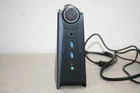
Acemagic AMR5
$199Pre-OwnedAMD Ryzen 7 5800U16 GB512 GBAMD Radeon Vega 8 (Cezanne)Esports, 1080p lowPriced at $199 as checked on October 29, 2026, this system provides 16GB RAM and an AMD Ryzen 7 5800U processor. It is well suited for running classic console emulators up through native-resolution GameCube and PS2 titles. The integrated Radeon Vega 8 graphics also hit about 40–60 FPS at 1080p low in lighter games like Rocket League.
-
2. Best 1080p Upscaling Value
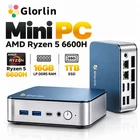
Getorli GT103
$329.99AMD Ryzen 5 6600H16 GB1000 GB SSDAMD Radeon 660M~60 FPS esportsFor $329.99, this mini PC packs a Ryzen 5 6600H, 16GB of RAM, and a spacious 1000 GB SSD for large disc images. Its Radeon 660M graphics deliver about 60 FPS at 1080p low in esports titles and offer the graphics power needed to upscale Dolphin and PCSX2 to 1080p. It provides an ideal balance of price and performance for midrange retro setups.
-
3. Top Pick for Demanding Emulators
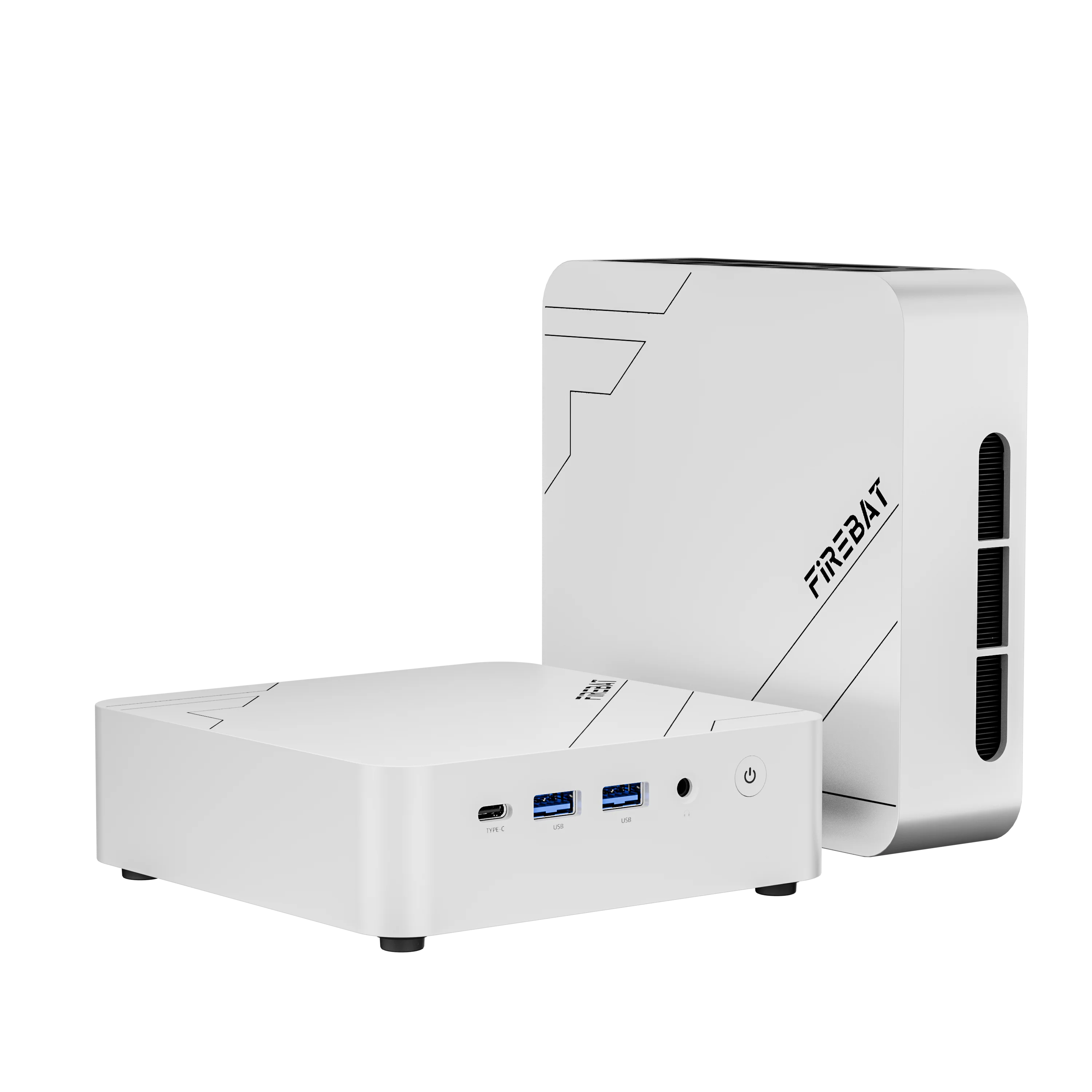
FIREBAT F1
$383.42AMD Ryzen 7 25516 GB512 GB SSDAMD Radeon 780M~60 FPS 1080p lowAt $383.42, this model brings a fast AMD Ryzen 7 255 CPU and Radeon 780M graphics alongside 16GB RAM and a 512 GB SSD. The strong processing cores and 780M iGPU provide the extra headroom needed for demanding RPCS3 and Xenia emulation. The graphics setup also manages about 60 FPS at 1080p low in titles like Elden Ring and GTA V.